
 Alexandria Wyckoff
Apple TV is taking over Formula One streaming in the United States, so dedicated viewers need to find the best plan for them. You can stream every practice, qualifying, sprint, and Grand Prix session through Apple TV, and it all begins with the 2026 season. Learn how to watch Formula One on Apple TV here, and never miss your favorite driver or team.
Sign Up for Apple TV
Signing up to watch F1 on Apple TV is easy. Just follow these steps, and you’ll be all set to watch the latest race:
- Open the Apple TV app on an Apple device, smart TV, or streaming device, or visit tv.apple.com
- Select the “Sign Up” or “Free Trial” button
- Sign in with your existing Apple Account
- Confirm your billing information and subscription preferences
- Start watching your favorite Apple TV content!
Apple TV Subscriptions
The platform offers several subscription options to choose from, including the standalone plan or Apple One subscription. Apple One includes perks like Apple TV+, Apple Music, Apple Arcade, Fitness+, and iCloud space. The platform has a seven-day free trial for the standalone service, a three-month free trial with new Apple device purchases, or a one-month free trial with Apple One.
| Membership Type | Price |
|---|---|
| Standalone Apple TV | $12.99/month |
| Annual Plan | $99/year |
| Apple One (Individual) | $19.95/month |
| Apple One (Family) | $25.95/month |
| Apple One (Premier) | $37.95/month |
| Student Plan | Free Apple TV+ access with Apple Music subscription, $5.99/month |
What Devices are Compatible with Apple TV?
You can stream F1 on Apple TV through various devices, including iPhones, Amazon Fire TV, Hisense Smart TV, Roku, Panasonic Smart TV, and PlayStation 5. Check out the full compatibility list of devices below:
- iPhone
- iPad
- iPod Touch
- Mac
- Apple TV
- Samsung Smart TV
- Roku
- Amazon Fire TV
- Amazon Fire TV Stick
- TCL TV
- Philips TV
- Hisense Smart TV
- Panasonic Smart TV
- NVIDIA SHIELD TV
- Android TV
- Comcast Xfinity
- Google TV
- LG TV
- PlayStation 4
- PlayStation 5
- Sony Smart TV
- Vizio Smart TV
Formula One 2026 Schedule
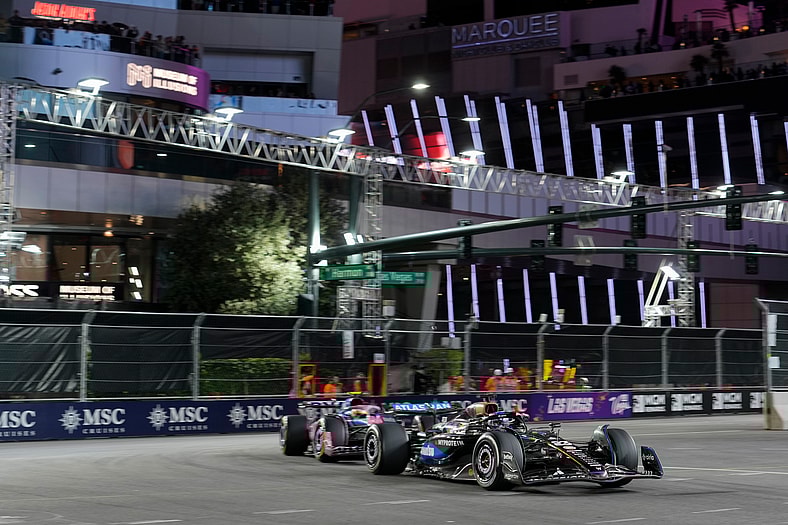
Check out this year’s Formula One on Apple TV schedule so you can stream your favorite driver:
- March 8th, Australian Grand Prix
- March 15th, Chinese Grand Prix
- March 29th, Japanese Grand Prix
- April 12th, Bahrain Grand Prix
- April 19th, Saudi Arabian Grand Prix
- May 3rd, Miami Grand Prix
- May 24th, Canadian Grand Prix
- June 7th, Monaco Grand Prix
- June 14th, Barcelona-Catalunya Grand Prix
- June 28th, Austrian Grand Prix
- July 5th, British Grand Prix
- July 19th, Belgian Grand Prix
- July 26th, Hungarian Grand Prix
- August 23rd, Dutch Grand Prix
- September 6th, Italian Grand Prix
- September 13th, Spanish Grand Prix
- September 26th, Azerbaijan Grand Prix
- October 11th, Singapore Grand Prix
- October 25th, United States Grand Prix
- November 1st, Mexico City Grand Prix
- November 8th, São Paulo Grand Prix
- November 21st, Las Vegas Grand Prix
- November 29th, Qatar Grand Prix
- December 6th, Abu Dhabi Grand Prix
FAQs
F1 races are not entirely free to watch on Apple TV+. An Apple TV+ subscription is required to watch all live races, practice, and qualifying rounds. Some practice sessions and select races may be viewable for free without a subscription.
The 2026 Formula One season features 24 races from March to December. There is a new, additional race in Madrid, Spain, this year.
A Formula One race usually lasts around 90 minutes for uninterrupted races, with a maximum time limit of 2 hours. If there are delays like red flags, the event must be completed within a 3-hour time window.
You can cancel your Apple TV subscription at any time without fees. Canceling will stop future charges on the service, and your access will stop at the end of your current billing cycle (monthly or annual) or free trial.
If you purchase a product or service through a link in this story, Bounding Into Sports may receive an affiliate commission.